If My AI Receptionist Misses a Lead, How Am I Supposed to Know?
Nothing Should Slip Through Without a Record
One of the most reasonable concerns any business owner has about delegating their phone answering to an AI system is this: what happens when it encounters something it cannot fully handle? A caller with a question too complex to answer from the training information on file, or an unusual situation that falls outside the normal scope of a front-desk interaction?
The fear is that those callers simply disappear — that the AI says something unhelpful, the caller hangs up, and the business never knows the inquiry happened.
CyberConcierge is built specifically to prevent that scenario.
Every Call Begins With Contact Capture
The first thing CyberConcierge does at the beginning of every inbound call is collect the caller's contact information. This is not something that happens only when everything goes smoothly. It is the first step in every call, regardless of how the conversation develops afterward.
That means even if a caller asks a question your receptionist cannot answer in full — a highly technical inquiry, a request for specific legal or medical guidance, or a situation that genuinely requires a human decision-maker — your business has already captured the caller's name and contact information before the conversation reaches that point.
No caller who speaks with your CyberConcierge slips away without leaving a trace.
Every Conversation Is Summarized and Logged
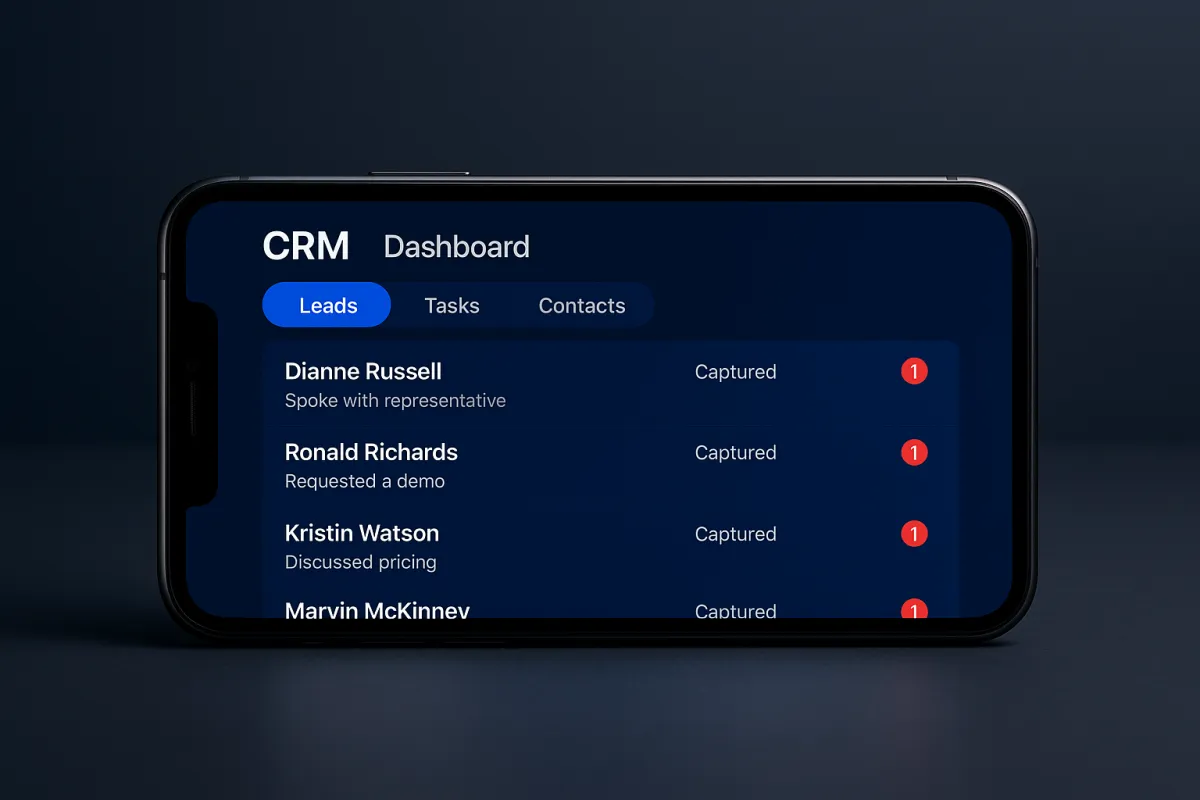
After each call, CyberConcierge generates a summary of the conversation. This summary includes the key points of the interaction, the nature of the caller's inquiry, and any important information they shared. That summary is appended to the caller's contact record and logged in your system in real time.
When you open the Conversations tab of your Dillon Digital web portal — or check the LeadConnector mobile app — you will find a complete record of every call your receptionist handled. Each entry includes the contact details of the caller, the call summary, and the transcript of the conversation in full.
If a caller asked a question your receptionist could not answer confidently, that gap will be visible in the transcript. You will be able to see exactly what was asked, how the system responded, and whether the caller seemed satisfied with the outcome or left the conversation with an unresolved concern.
The Follow-Up Is in Your Hands
Once you have reviewed the conversation log, the decision about whether to follow up — and how — is entirely yours. If a caller asked a complex question about a specific service, you may want to reach out directly to provide a more complete answer. If the inquiry was straightforward and your receptionist handled it well, no further action may be needed.
The LeadConnector mobile app allows you to initiate follow-up contact directly from within the app — phone call, text message, or email — without switching to a separate platform or manually entering the caller's information. Everything you need to reconnect with that caller is already in the system.
This is the key distinction between CyberConcierge and voicemail: voicemail only gives you a record when someone leaves a message. CyberConcierge gives you a record of every interaction, including the ones that did not result in a callback request, an appointment booking, or a completed inquiry.
Using the Log to Improve Over Time
The conversation log is not just a recovery tool. It is also a continuous source of insight into how your receptionist is performing and how your callers are behaving.
If you notice a pattern — a particular question that comes up repeatedly that your receptionist is struggling to answer, or a type of inquiry that is not being handled as well as it could be — you can bring that information to Dillon Digital and request a targeted update to your system's training. The result is a receptionist that progressively improves its ability to handle the specific calls your business receives.
Over time, the gap between calls CyberConcierge handled well and calls that required follow-up typically shrinks. The system learns from the patterns of your specific caller base and becomes more capable of addressing their needs accurately and completely.
Transparency Is Built Into the Design
The reason CyberConcierge captures contact information at the start of every call — rather than at the end — is precisely because the end of a call is uncertain. A caller may hang up before completing their inquiry. A complex question may require a callback. The conversation may resolve in an unexpected direction.
By securing the caller's contact information first, the system ensures that the business retains the ability to follow up regardless of how the call concludes. The lead is not lost simply because the first conversation did not reach a perfect resolution.
For business owners who have previously relied on voicemail and assumed that the absence of a message meant an absence of interest, the contrast is immediate and striking. Your call log will show you callers you never would have known about — people who had genuine inquiries, who did not leave a voicemail, and who are now in your system as contacts waiting for a follow-up.
That is the difference between a passive phone system and an active one. CyberConcierge is active, by design, from the very first second of every call.
Learn more about how CyberConcierge captures and logs every lead at Dillon Digital Solutions.